A customer portal that makes self-service truly workable
A customer portal is the right shape when external users need to view, update, or submit information themselves without your internal team having to handle every request manually. Think of dossiers, documents, status tracking, forms, and clear access rights in an environment that stays secure and easy to use.
Self-service for customers, members, or partners in a dedicated environment
Clear permissions, forms, documents, and status flows
Built for secure usage and structured follow-up

When this fits
When external users need to be able to take action themselves
A Glossary · In briefcustomer portalA customer portal is a restricted online area where customers can view their own information and carry out tasks. Available information and features depend on their roles and permissions.Read more is the right fit when customers, members, or partners need to follow dossiers, submit information, or find documents without always going through support or a Glossary · In briefback officeThe back office is the part of an organization that carries out supporting and administrative processes. Back-office software helps staff manage that work and its associated data.Read more. You then want an environment where self-service feels natural without losing control over permissions and security.
That is also where the distinction from internal software matters. A customer portal revolves around the external user and that person's tasks. If the system mainly serves your own team, back-office and business software is usually the better fit.

What it often includes
From self-service to access boundaries
Many customer portals combine status overviews, forms, documents, and messages in a way that is immediately understandable for the user. That gives people control without forcing everything through separate emails or spreadsheets.
As soon as users work with their own data, access boundaries need to be clear. Permissions, verification, and administration therefore need to be part of the portal architecture from the start.
A customer portal rarely stands alone. Information often also needs to land in a back office, reporting layer, or another application, with notifications and clear status transitions for everyone involved.
If the portal later needs more users, more forms, or additional workflows, you do not want to start over. A good foundation leaves room for new roles, steps, and screens without unnecessary complexity.
A clear environment of their own
Dashboards, forms, and dossier access
Many customer portals combine status overviews, forms, documents, and messages in a way that is immediately understandable for the user. That gives people control without forcing everything through separate emails or spreadsheets.
Our approach
First get clear on what the customer should be able to do independently
We start with the portal question itself. Which actions should users be able to complete on their own, which information should they see, and which parts should remain internal? That boundary is what separates a pleasant self-service portal from an unclear mix of customer and back-office functions.
Cases such as IVBB and Zetprofiel show why that focus matters. A good customer portal helps users move forward on their own, while staying carefully organized around roles, security, and the underlying process.
View the IVBB case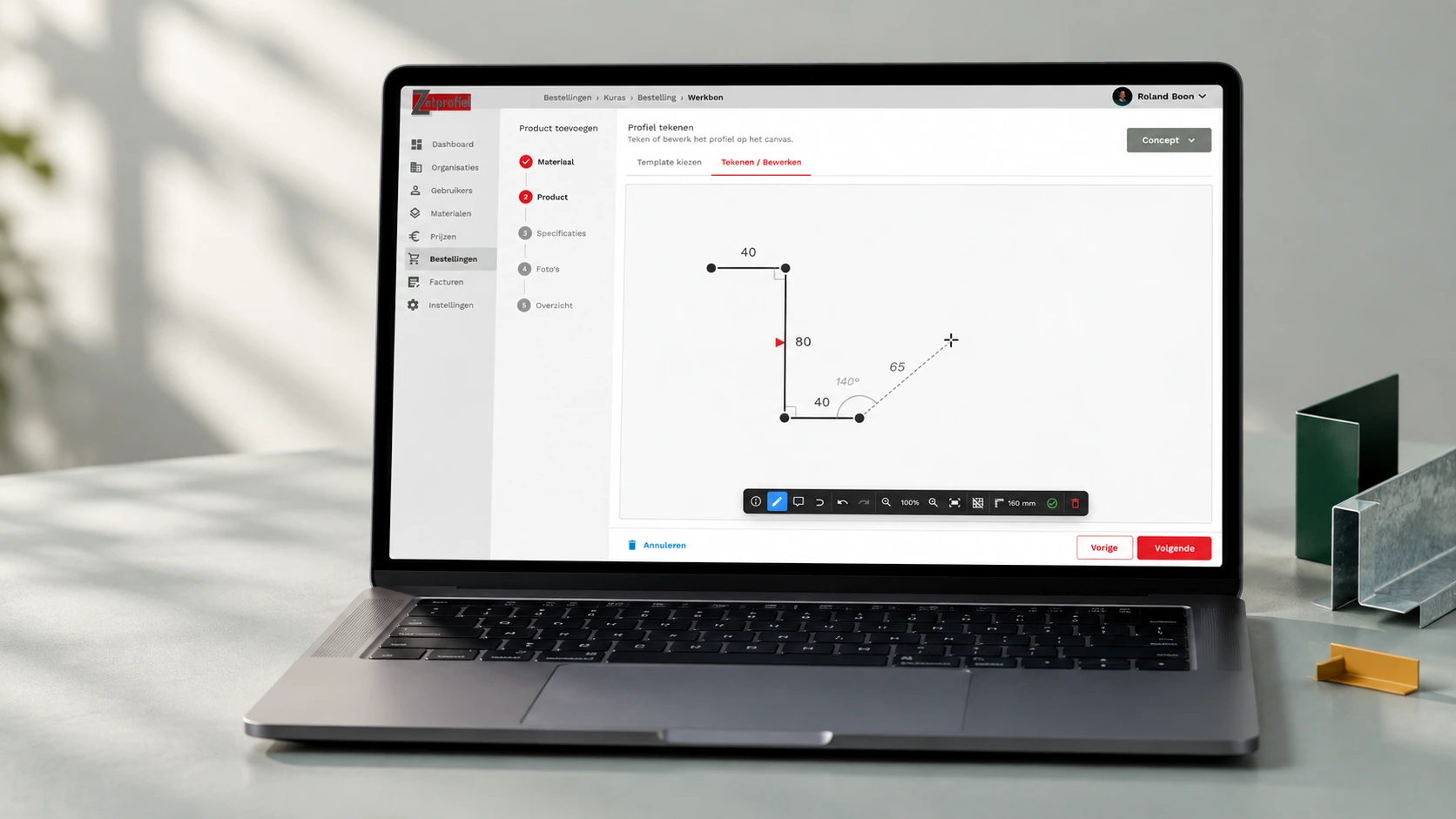
What this gives you
Less manual work for support and the back office
A self-service environment that feels clear and secure
Better alignment between external users and internal follow-up
A portal foundation that can keep growing later on