From asbestos administration to flexible work processes
SGI Compliance wanted to develop Werkplanner further with a long-term technical team. We added support for soil remediation and demolition, built configurable forms and improved PDF processing. The product grew to accommodate the processes of the companies using it.

Client

- Industry
- Environment & health
- Location
- Rotterdam
Team


The challenge
A long-term development partner for Werkplanner
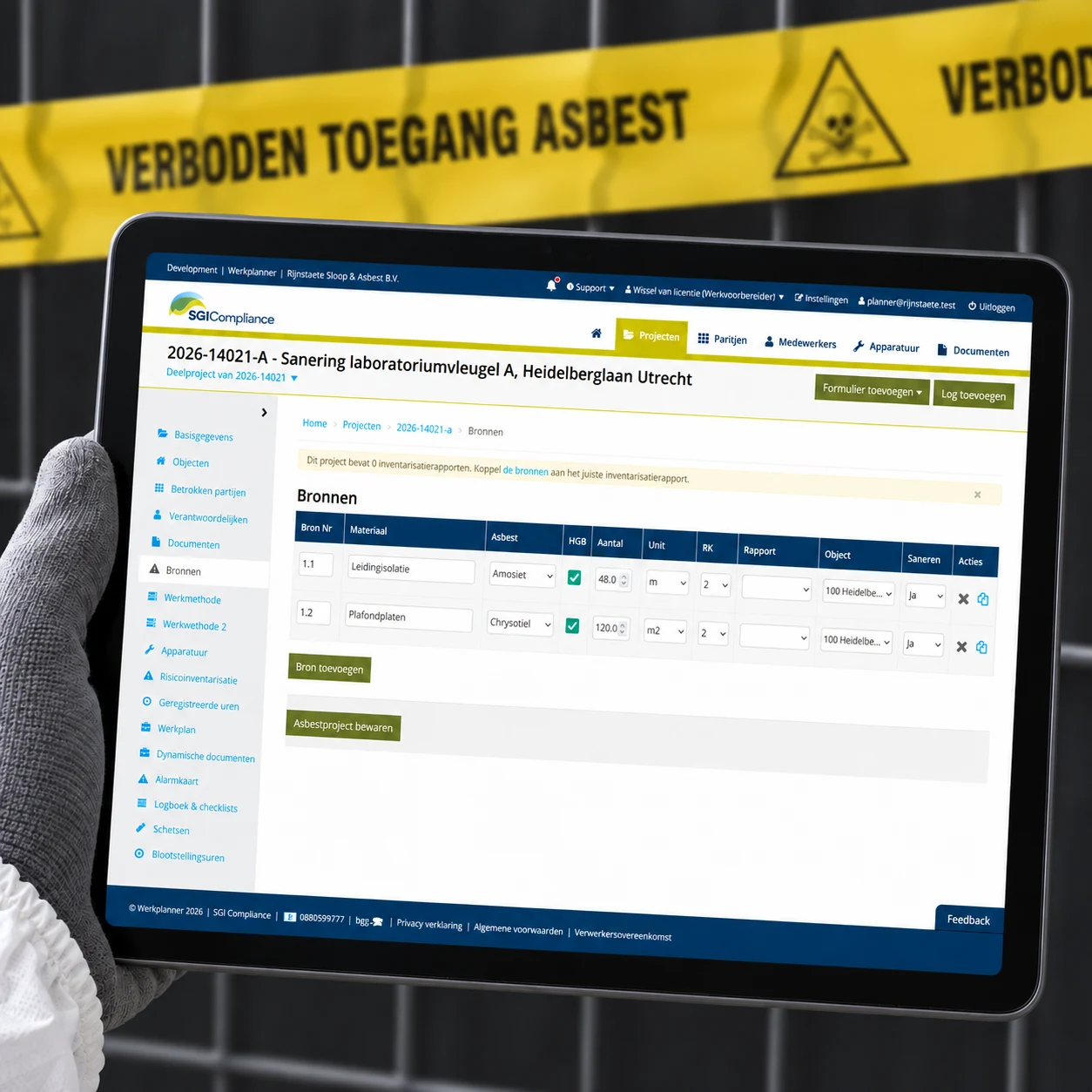
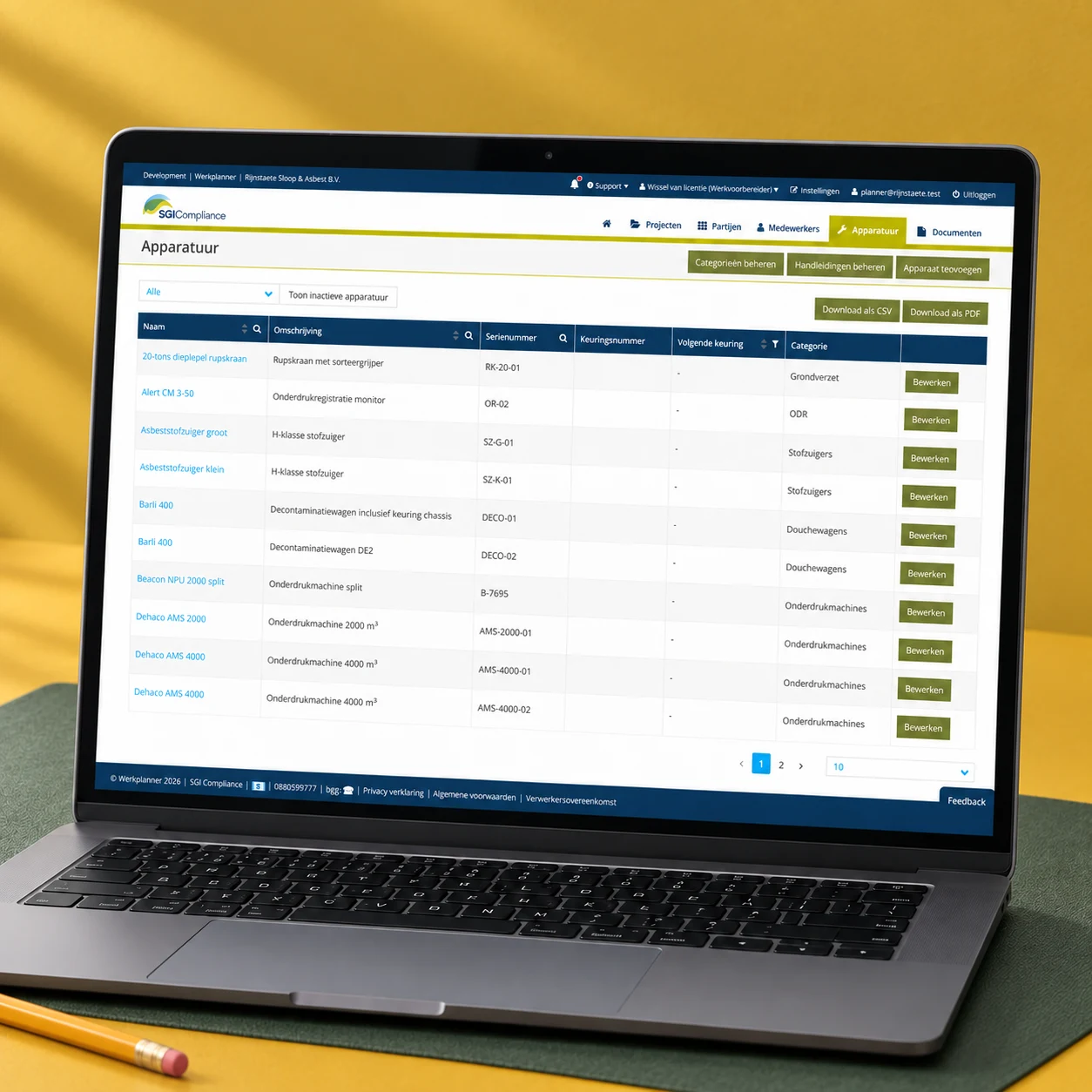
In asbestos remediation, administration starts before work on site. What needs to be removed, according to which plan, and with which people and equipment? Further records are added during the work. Afterwards, the completed remediation needs to be documented. SGI Compliance provides Werkplanner for this purpose.
Development was handled by several freelancers. When someone left, the client had to arrange a replacement and transfer the knowledge. SGI was looking for a long-term partner with several Ruby on Rails developers to maintain and develop the application.
Learning the application while continuing development
We took over Werkplanner gradually. The developer who had known the application for years stayed involved during the transition and reviewed our Glossary · In briefpull requestA pull request proposes that changes from one branch be reviewed and merged into another. Team members can discuss and check the code before it is incorporated.Read more. The automated tests already in place helped us check existing functionality. We learned the code and the processes through the work that needed doing.
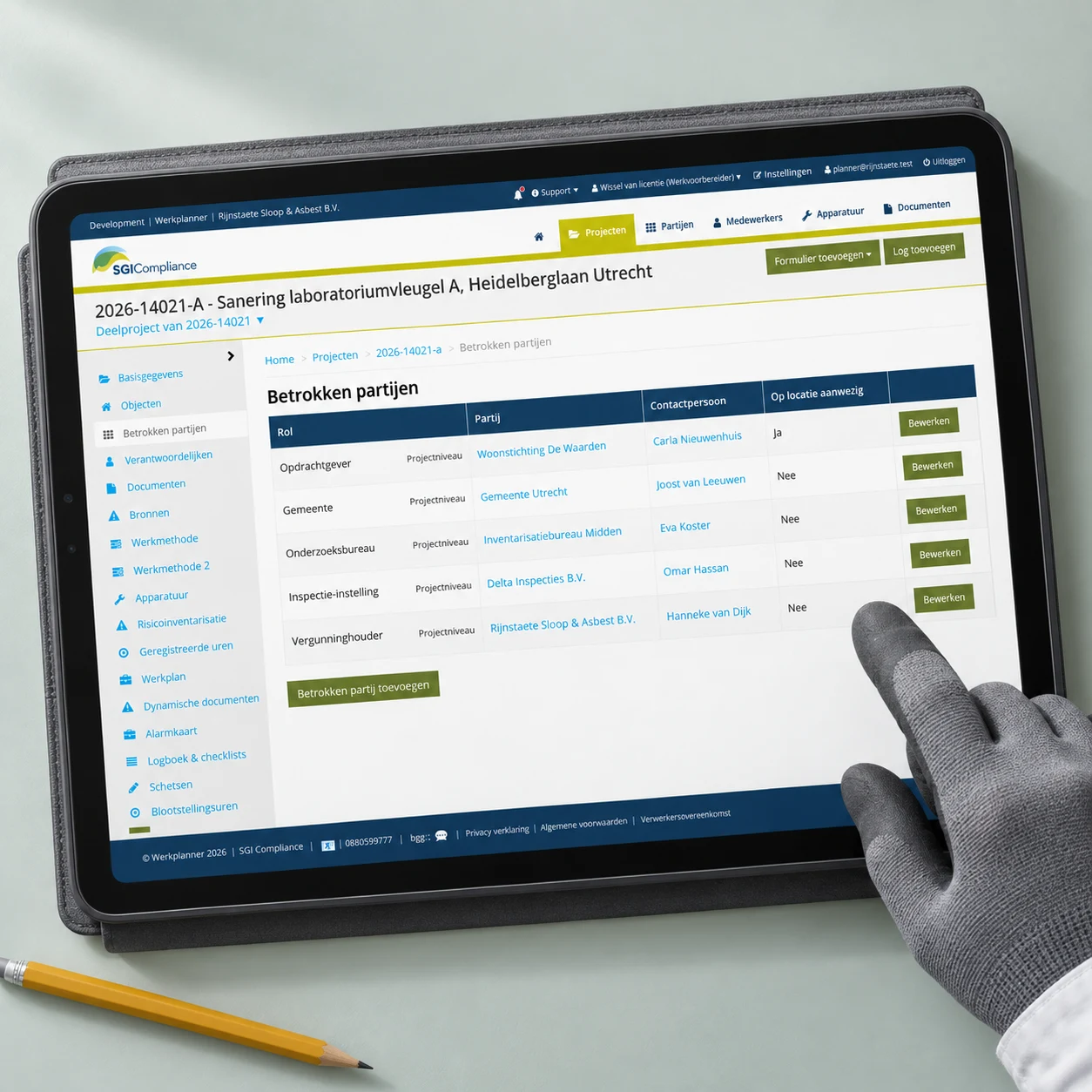
Werkplanner had been designed for asbestos remediation. SGI also wanted to use it for soil remediation and demolition projects. Remediation companies do not all work in the same way, either. The application therefore needed to support different project types, forms and processes.
Our approach
From fixed forms to company-specific processes
Werkplanner's forms were initially hard-coded. This became too restrictive for a Glossary · In briefmultitenantMultitenant describes software in which several customers share one application, each with a separate environment for data, users and settings.Read more application in which different companies each use their own environment. One remediation company uses different checklists and records from another.
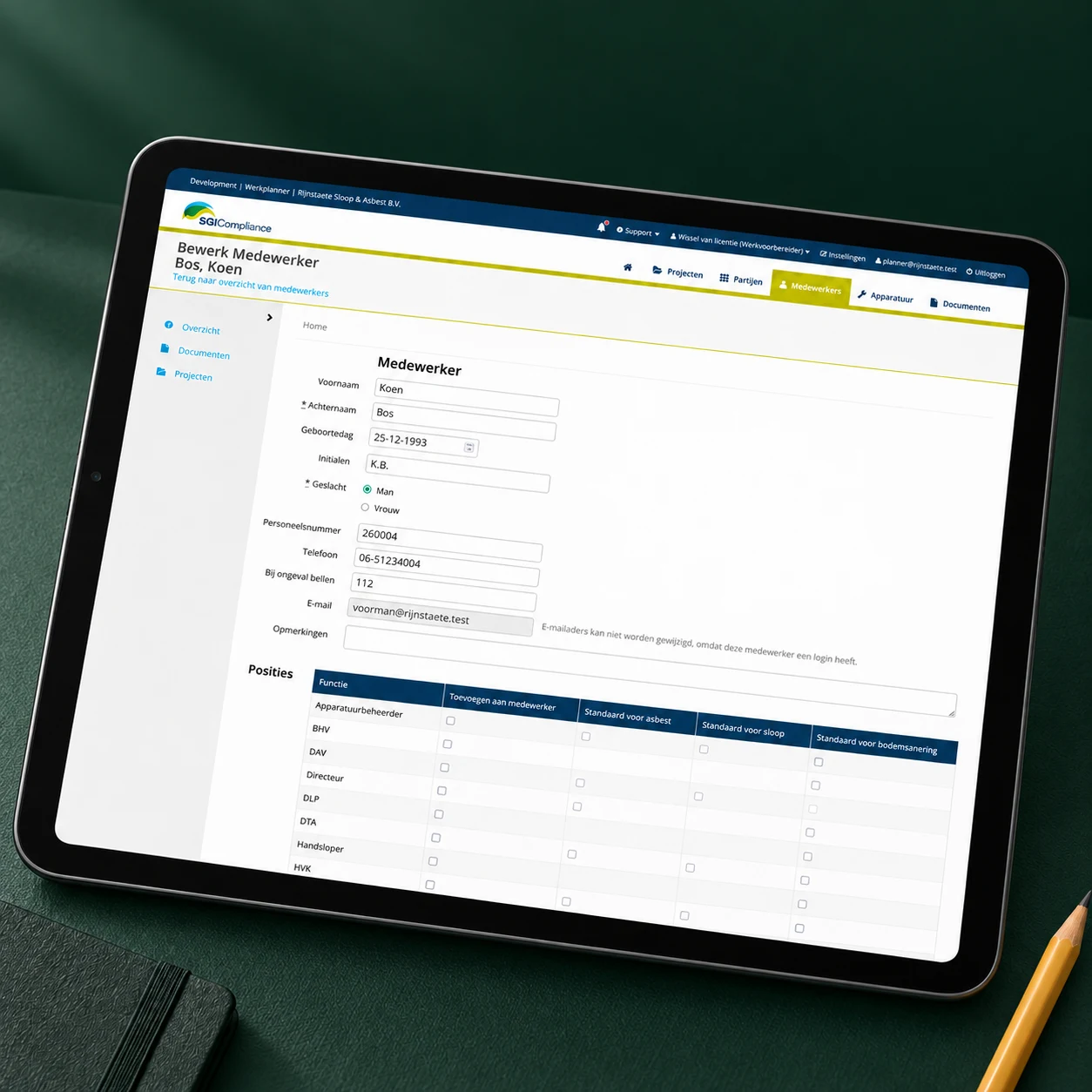
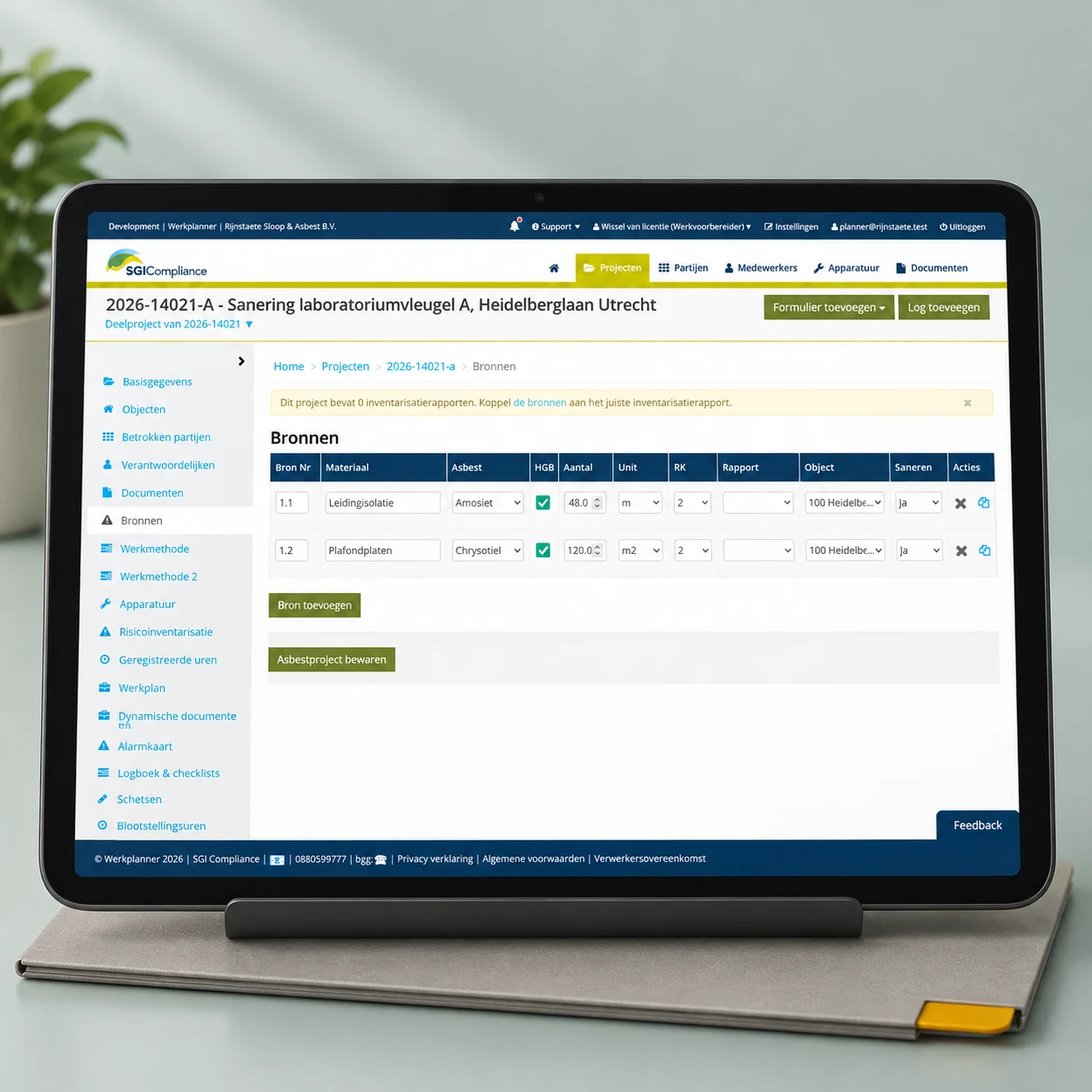
We built a form builder that lets an administrator create forms. Text fields, dropdowns, checklists and signature fields provide the building blocks. For each field, the administrator can configure labels, options and validation rules. Drag-and-drop changes the order. Each company can adapt the form to its own way of working.
From visitor registration to project document
A practical example is a visitor arriving on a construction site. The administrator creates a form with contact details, safety declarations and a signature field. The site supervisor can have it completed on a tablet. Once submitted, the registration is stored as a PDF with the relevant project.
To support this, we built the fields as reusable Glossary · In briefcomponentA component is a distinct part of software with its own task and a clear way of interacting with other parts.Read more. Each field has both an administrator side for configuring the form and a user side for completing it. The configuration determines which form appears on site. Companies are no longer limited to the forms programmed into the application in advance.

Reusing what project types have in common
We also made parts of the software reusable to support soil remediation and demolition. We considered what the project types actually shared, what was specific to each, and which existing asbestos-related logic could stay as it was for the time being. We did not want to generalise everything: a universal structure for arbitrary project properties would introduce new complexity.
Work plans gained more flexibility too. The chapters in a work plan can be configured by company and project type. A Word template allows documents to be generated in the company's own branding. This suits demolition projects, for example, where a work plan can have a less fixed structure.
What this delivers
With Werkplanner, SGI can support soil remediation and demolition projects alongside asbestos remediation. The companies using it can configure their own forms and adapt work plans to their processes. Information entered on site becomes part of the project documentation.
We have made the existing application suitable for different uses and taken responsibility for development and knowledge transfer within our team.
Esther Radder, Werkplanner's product manager at SGI Compliance Nederland at the time, described our collaboration this way (translated from Dutch):
They think along with us and do not simply develop whatever is requested.
Esther Radder
Technology that makes the difference
Generating PDFs reliably
Completed forms are stored as PDFs with the project. To generate them, we launched headless Chrome from background jobs. The browser rendered the HTML and CSS and printed the result to PDF.
This was not reliable enough. We regularly received reports that a PDF had not appeared in the documents and had to investigate where the conversion had stalled. Chrome also consumed substantial resources. Because the application and background jobs shared the same server, PDF rendering could interfere with the Glossary · In briefweb applicationA web application is a program you use through a web browser to complete tasks or process data. Processing can take place partly in the browser and partly on a server.Read more.
Moving rendering outside the application
We moved conversion to an external HTML-to-PDF service. A background job sends the HTML to the service and receives a PDF in return. The Glossary · In briefworkflowAn agreed sequence of tasks, decisions and handovers used to take work from start to finish.Read more stayed the same for users; we no longer had to maintain the browser processes used for rendering.
This removed almost all maintenance of that browser infrastructure. Where we previously had to investigate stalled conversions regularly, the current solution needs only occasional intervention. Document generation remains a process we need to monitor.
A second provider as a fallback
Reliability and cost both mattered when choosing a provider. Many forms are processed at the start of the working day. Paying per document would become expensive with that usage. We therefore chose a service with a fixed pricing model, but it did not always prove to be the most reliable option. We added a second, more expensive provider as a fallback.
The background jobs can retry a failed conversion. If the queue grows too large, we receive a notification in Slack. We investigate the cause and, if the primary provider is experiencing an outage, can switch to the other service using a Glossary · In brieffeature flagA feature flag is a setting that enables or disables software functionality without another code deployment. It can apply to all users or a particular group.Read more.
We deliberately kept that switch from being fully automated. The situation occurs infrequently, leaving us with little operational data on which to base reliable automatic decision rules. For now, we use automatic retries and alerts, with a developer assessing the cause and intervening when necessary.
This reflects a broader lesson from Werkplanner: technical error reports do not tell the whole story. We also look at what the product is doing, such as how many work plans are created and how many jobs are queued. An application can be reachable while an important process has stopped.
Continuity and ongoing development
Assessing and releasing changes individually
With more developers and concurrent changes, a single shared staging environment became a constraint. A large feature that had not yet been approved could hold up smaller, completed changes. Glossary · In briefreleaseA release is an identifiable software version prepared to be made available to users. It brings together one or more checked changes.Read more grew into larger batches as a result.
We introduced Review Apps: a separate Glossary · In briefdeploymentA deployment is the process of installing and starting a chosen software version in a target environment so it can be tested or used there.Read more for each feature Glossary · In briefbranchA branch is a separate line of development in version control. Developers can make and test changes on it without immediately changing the main version of the code.Read more, with test data, where a change can be assessed individually. Once approved, it can move on to production. Our Glossary · In briefCI/CDCI/CD is a way of working in which teams frequently merge software changes, check them automatically and use a defined sequence of steps to prepare or deploy them to production.Read more runs tests and Glossary · In brieflintingLinting automatically checks source code for potential errors and violations of agreed coding rules, without running the application. The tool that performs these checks is called a linter.Read more automatically and handles deployments. This lets us keep building without waiting for everything under development to be ready for every release.
Review environments that start when needed
These separate environments also required a different infrastructure setup. Keeping several Rails applications running permanently uses substantial memory, even when nobody is looking at them.
We therefore set up Glossary · In briefreview appA review app is a temporary, working version of an application where one branch or merge request can be examined and tested separately.Read more using Docker Glossary · In briefcontainerA container is an isolated application process with the files and settings it needs. Containers on the same machine usually share the operating system kernel.Read more on Kubernetes with Knative. A request to a hostname can start the corresponding application. After a period without use, it scales back to zero instances. This keeps separate review environments available without keeping every Rails process running permanently.
Review Apps do not remove functional dependencies between features. They do prevent a shared test environment from tying the assessment of every change together.
Staying close to Rails conventions
Long-term maintenance also depends on choices within the application. For the interactive form builder, we originally used standalone Vue components inside Rails. This let us build the Glossary · In briefuser experienceUser experience, often abbreviated to UX, is the overall experience someone has when using a product, system or service.Read more we needed; Rails did not offer a suitable standard solution for us at the time.
That separate Glossary · In brieffrontendThe frontend is the part of a website or application that users see and operate, such as pages, buttons, forms and interactive screens.Read more layer now involves additional maintenance and migration work. We are therefore moving parts of it to Hotwire and Stimulus, closer to current Rails conventions. This modernisation is still in progress. Our choices are deliberately somewhat conservative: for software we maintain over many years, we want to keep up with future upgrades and limit the number of separate technical layers added along the way.

Keeping knowledge and responsibility within the team
We make sure several developers know Werkplanner and that a colleague can take over during someone's absence. A Dev Container defines the local development environment, so a developer can check out the project and get started. We onboard new team members internally and share knowledge as we build.
Our developers take part in weekly discussions with SGI. We discuss priorities, work out tickets and advise on technical approaches. Ongoing development, maintenance and technical decisions are all part of the same collaboration.
What we take forward
What we learned from Werkplanner
Werkplanner shows how product expansion, maintenance and technical choices affect one another. Three considerations we bring to future projects.
Reuse what is actually shared
With Werkplanner, we made room for different project types and configurable forms. We made common components reusable while retaining specific logic where it was needed.
In future projects
We examine which differences belong in the product and which components can share a foundation. This helps us decide where abstraction is useful and where it adds complexity.
Outsourcing calls for a fallback
External PDF rendering removed browser maintenance but introduced a dependency on a provider. We added a second provider, with automatic retries and a deliberately manual switch.
In future projects
When choosing an external service, we also consider cost, outages and recovery options. What we automate depends on operational experience and the data available to support a decision.
Consider maintenance when choosing technology
Vue made the interactive form builder possible. That separate frontend layer later brought additional migration work. We are therefore moving parts of it back towards Rails conventions.
In future projects
We look both at what a technology makes possible now and at how it fits the ecosystem we will need to maintain for years.
Ewout
Let's keep building
Does your software need to keep running as it evolves? Tell us where development gets stuck and what you want to add. We’ll help you explore the technical foundation and a suitable way of working together.